How to find a specific historical post/story from an influencer/s?
If you want to find a specific historical post/story from an influencer but you can't find it on the discovery page or the influencers overview page, please follow the steps below.
1. Create a group and add that specific influencer whose historical post/story you want to find.
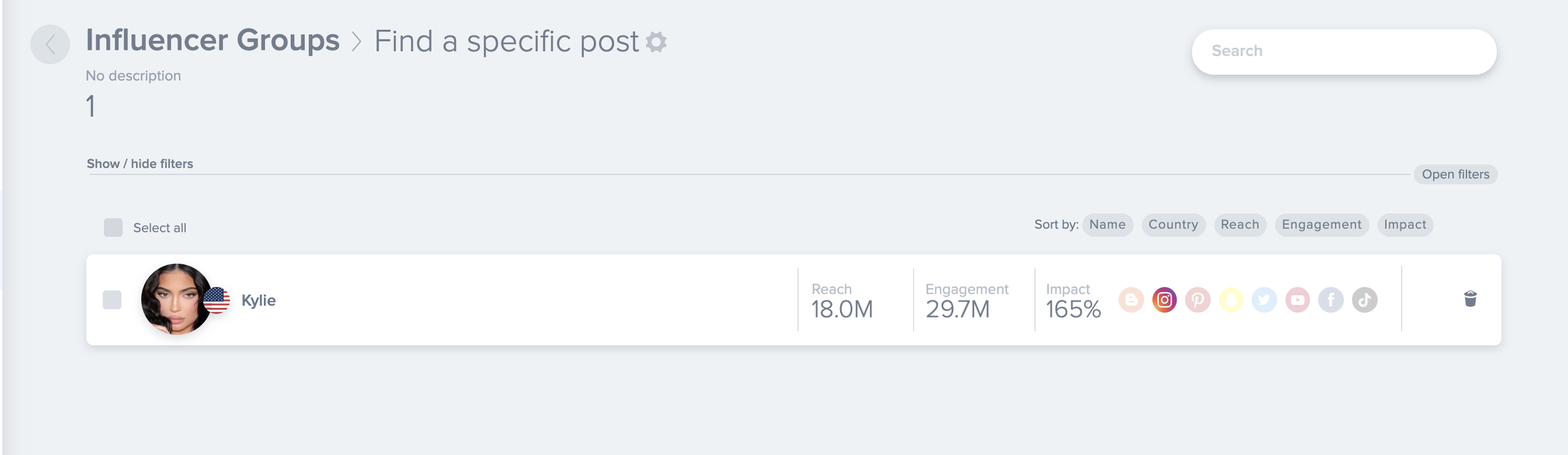
2. Then you have to go to the Measure tool and select the group that you've just created.
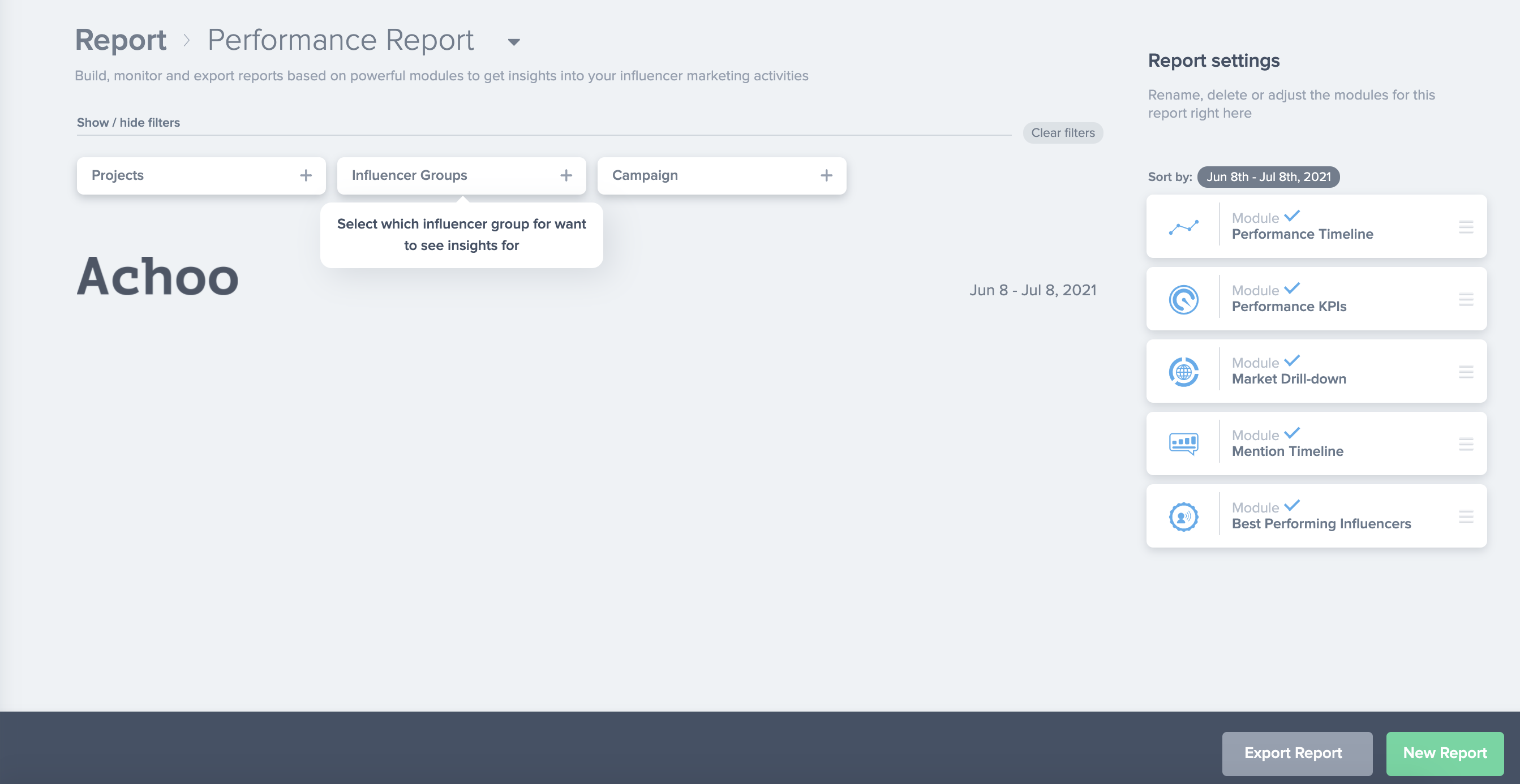
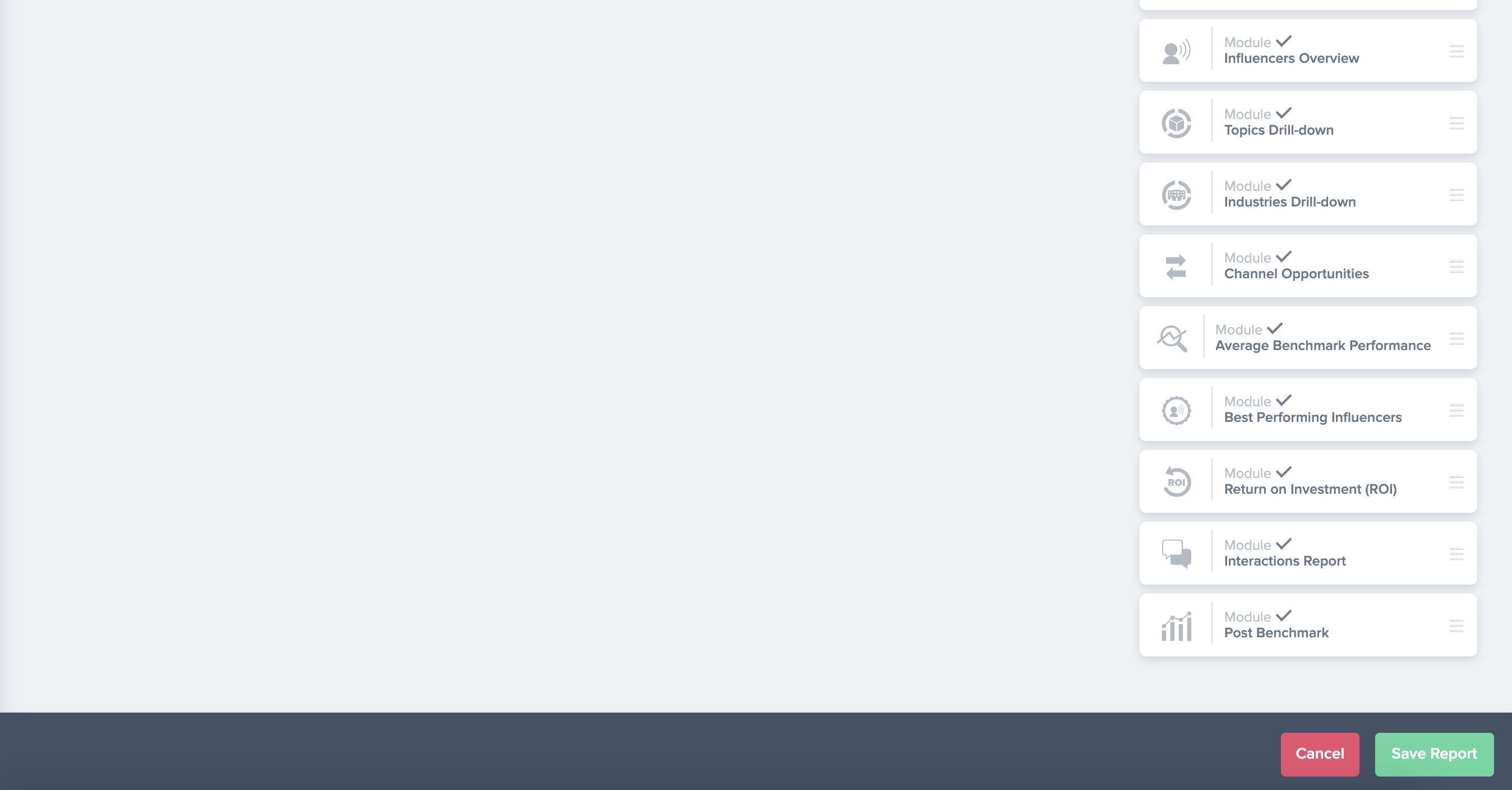
3. Then you have to click on "New report" in the bottom right
Scroll down till you see "interaction report" in the right and then click on it.
4. Then you need to scroll up and via "Sort by" select the date of publication.
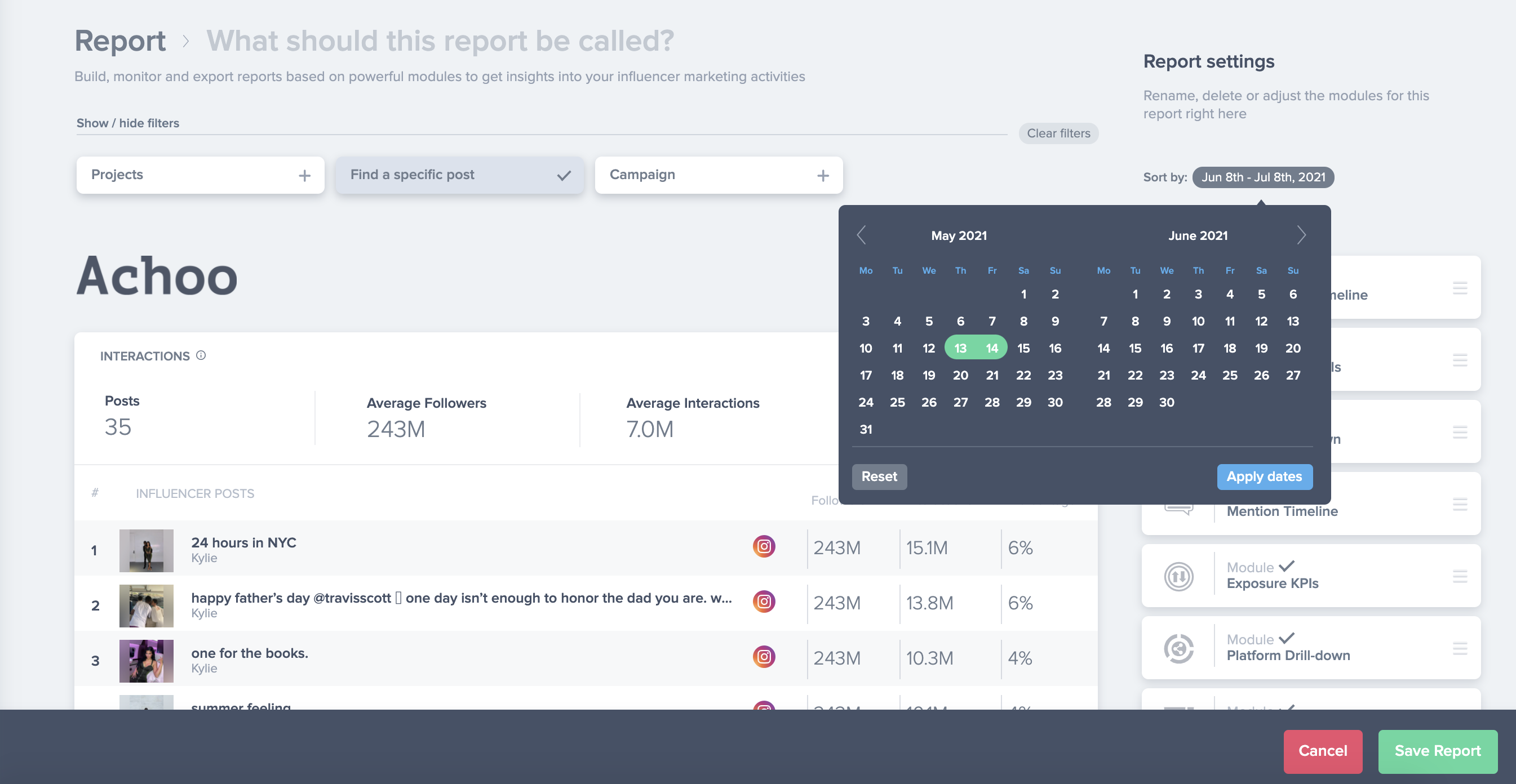
5. Then you will be able to see the contents that the influencer published in the chosen timeframe, as shown in the picture below.
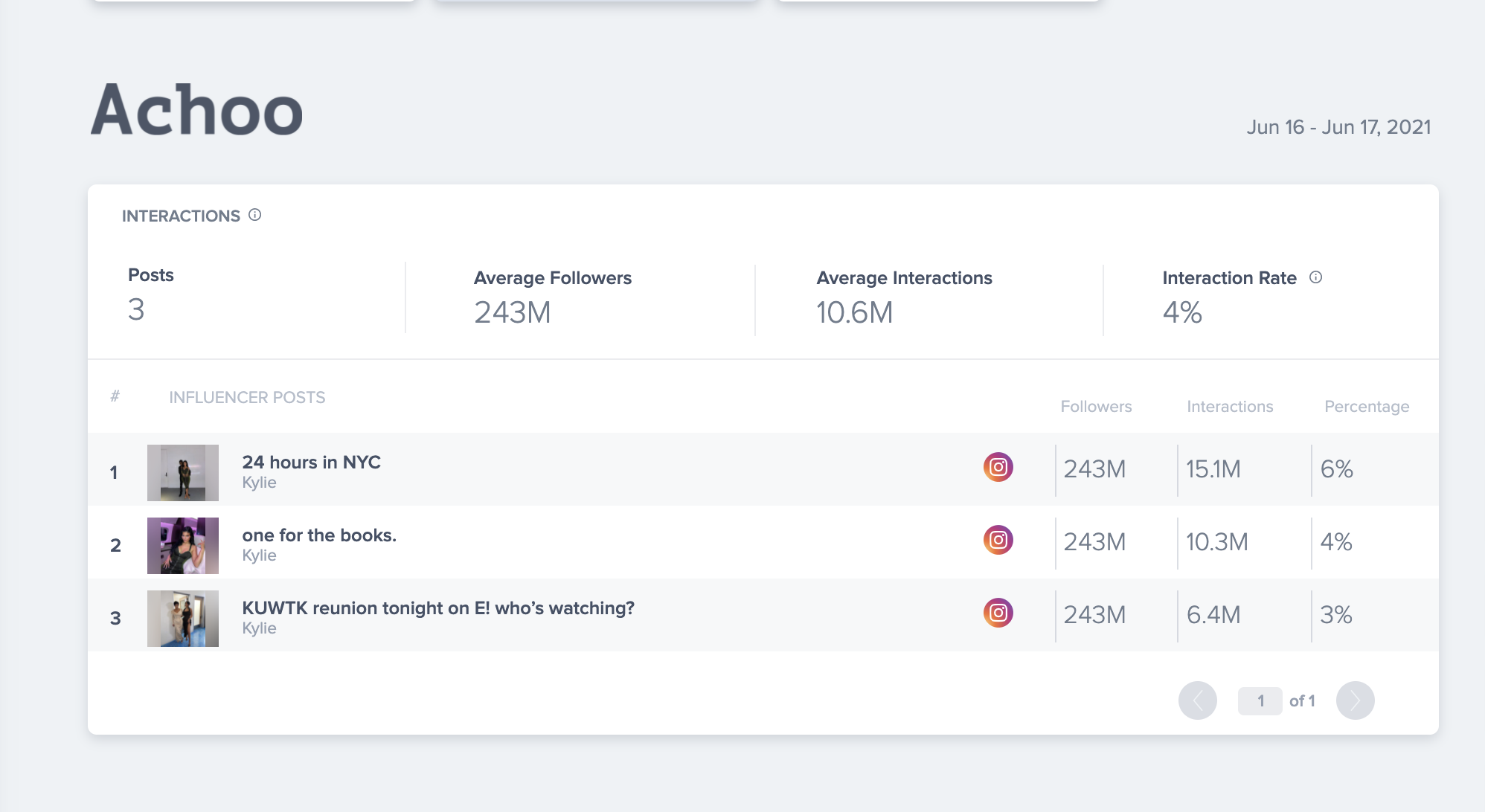
6. And then you can simply click on the post that you were looking for.
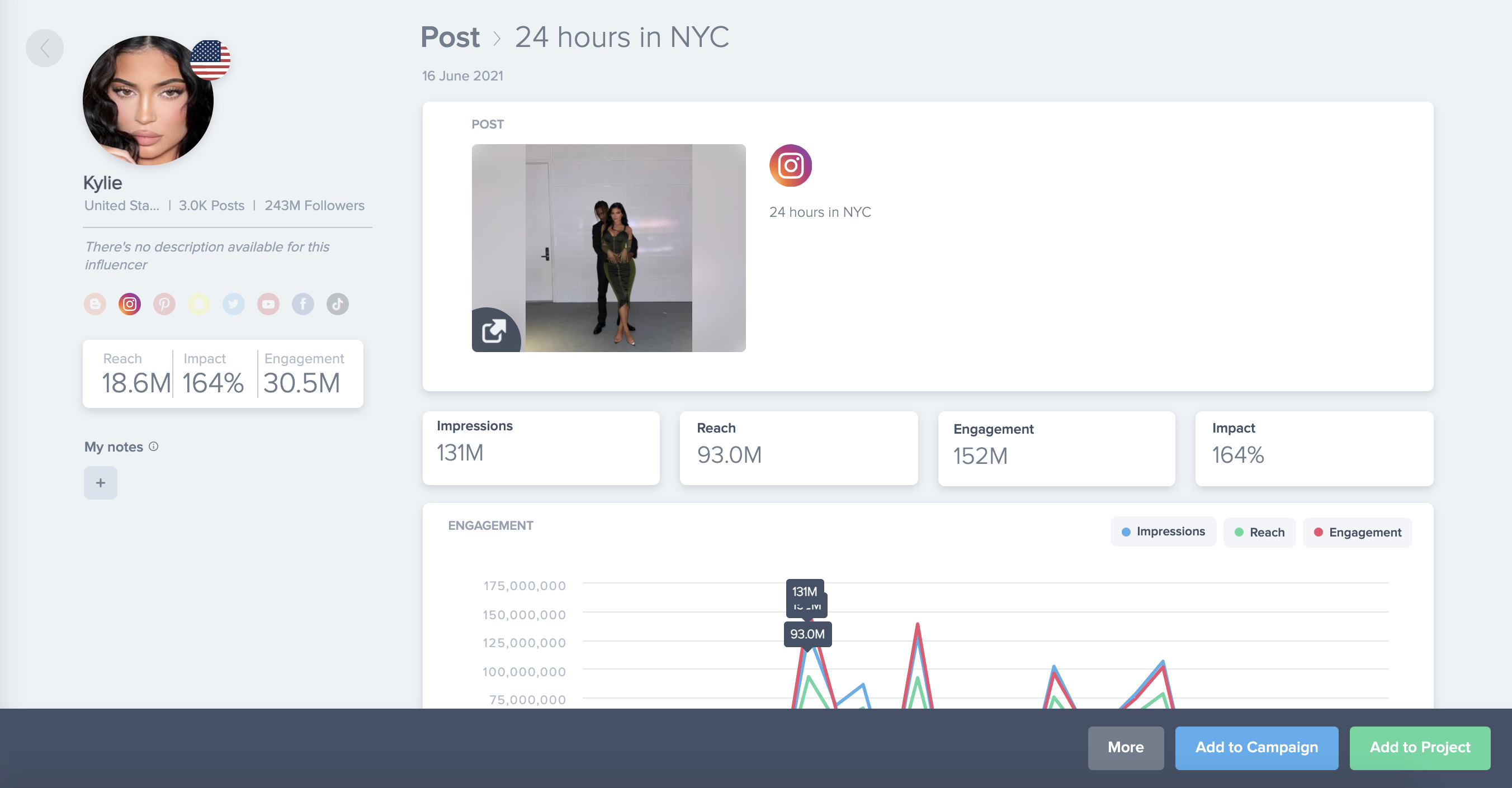
7. If you would like to add this specific post/story to one of your existing campaigns, then you can do so by clicking "Add to Campaign"

Please also find a short video below where we go through the steps mentioned above.