How does the review function (when adding influencers to a group) work?
When adding influencers to a group, you can activate the following function on the right-hand side of the screen:
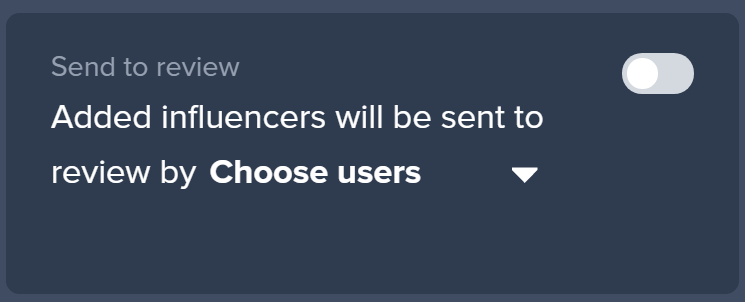
When activated, the system will add the influencers to the group with the status pending until the user you selected will either reject or approve the influencers. This is great if you have multiple users on the same account working on the same groups. By activating the function, you can make sure that only relevant influencers will be added to the group.
So how does it work?
- You need to activate the function by clicking on the toggle. Once the function is activated, the color will change to green.
- Next, select the user you want to send the review to. This user will be notified via email.
- The influencers will be added as pending. This looks as following:

4. Now the notified user can reject or approve the influencer and all approved influencers will be added to the group.