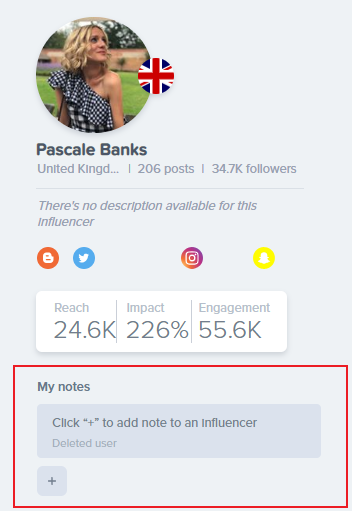
How do I add notes to an influencer?
Notes are a great way for you to write down important facts or observations about the influencer. This will help you and your colleagues to remember and exchange your opinion about relevant influencers in the platform itself.
To write a note, simply go to the influencer profile and click on the "+" icon and save it once you are done. Notes are account specific, meaning that only users from your account will see them. If you would like to delete a note, click on the note and then select the trash can icon.